See who’s already on a conversation before you reply — so no customer ever gets two answers.
Collision detection is a shared-inbox feature that shows, in real time, when a teammate is already viewing or replying to a conversation — and warns before a second reply goes out. Collision detection exists to prevent one specific failure: two people answering the same customer twice, with two different answers.
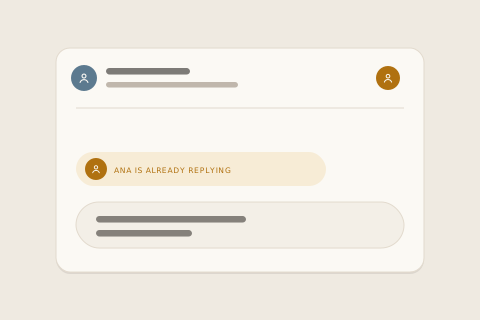
The term comes up the moment a team shares an address the old way. A Gmail or Outlook shared mailbox gives everyone the mail and no one the awareness: no presence, no ownership, no way to know a colleague hit reply thirty seconds ago. (The full anatomy of that setup is in the shared inbox guide.) Collision detection is the fix — and in inrelay it’s less a warning light than a whole way of owning conversations.
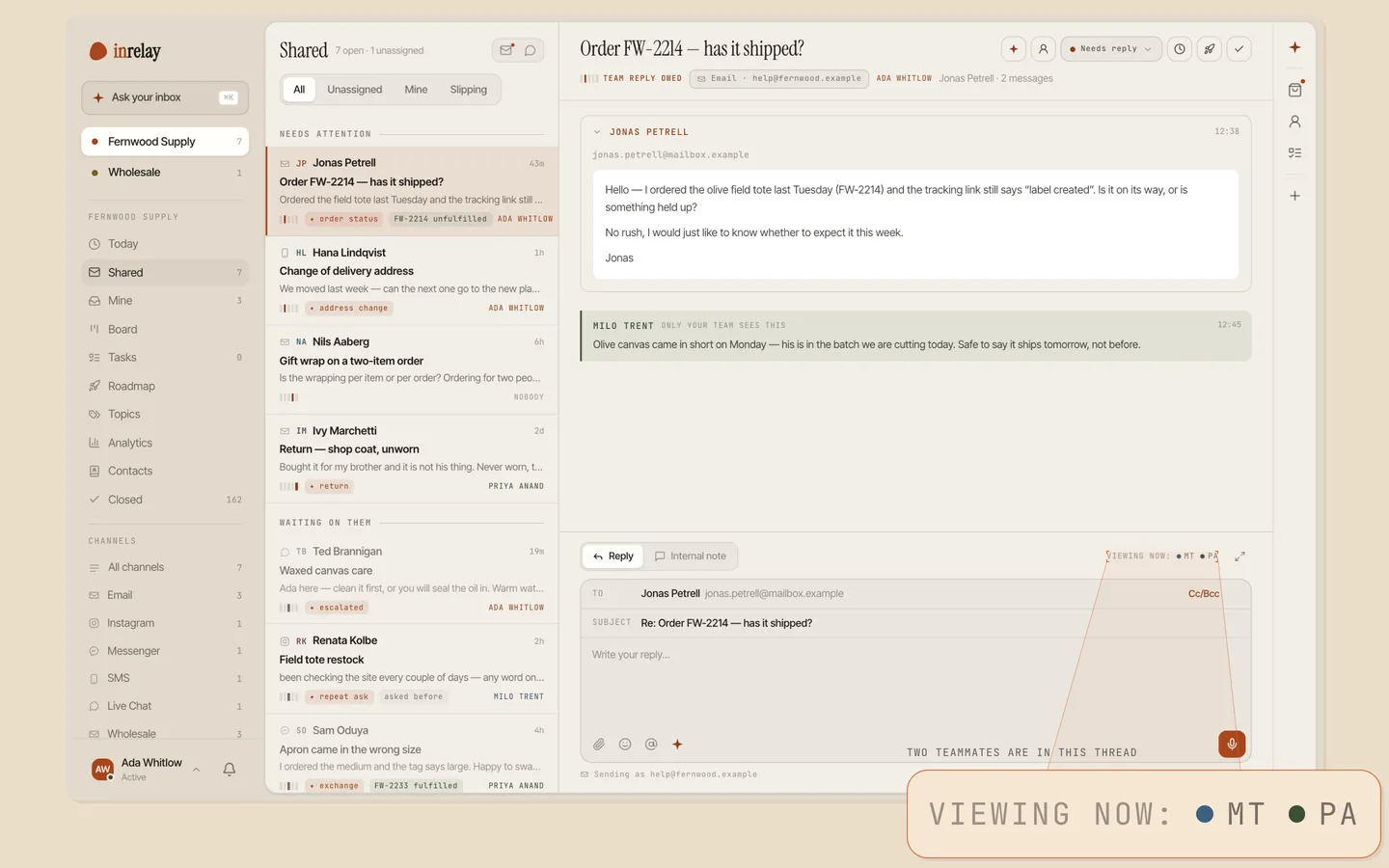
Every conversation in inrelay has one visible owner, and ownership is the first line of collision detection: before anyone types, the thread already says whose it is. Assignment is explicit — you take a thread or hand it to a teammate — and in live chat, the first public reply claims an unowned conversation automatically, so being fast never creates ambiguity about who has it.

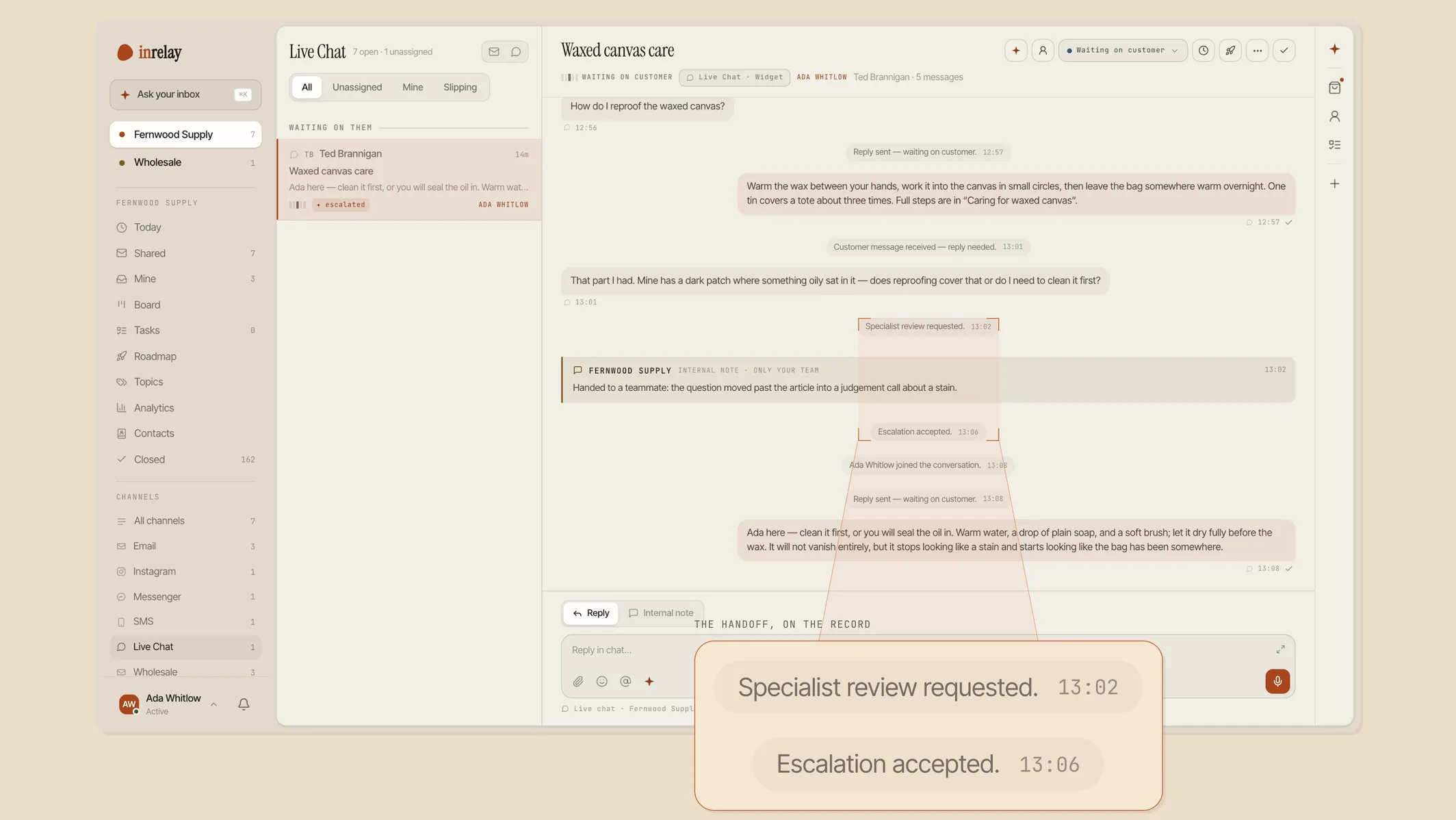
Inside a thread, presence does the short-range work: you can see when a teammate is on the conversation and when a reply is being composed — before a second one gets written.
Handoffs are recorded, never silent. Transfers and escalations land on the thread’s internal timeline as events, so “I thought you had it” comes with an audit trail. And the conversation about the conversation happens in internal notes — a teammate @mention is a private note by definition, structurally separate from public replies, so coordinating on a thread never risks messaging the customer.

Here’s the collision every support team eventually ships. A customer asks about a refund. Two teammates open the thread minutes apart. One approves the refund; the other, a faster typist, quotes the returns policy. The customer now holds two contradictory answers on one thread — and whichever one you honour, you’ve taught them that your answers are negotiable.
Duplicate replies are only the visible half. The mirror failure is the thread nobody answers, because everyone assumed someone else had it. Both are ownership failures, which is why the point of collision detection is to make double replies — and dropped threads — a near-zero event instead of a weekly apology.
Most tools bolt collision detection onto email as an avatar warning. inrelay’s difference is structural: ownership is part of a conversation’s canonical state, not a hint one app displays. Desktop and mobile read the same state, so a phone on the ferry and a desktop at the desk agree on who owns what, at the same moment.
It also isn’t email-only. Live chat and Instagram and TikTok Shop DMs run through the same threads, so collision detection covers the channels where double-replying is easiest — two people can answer a DM even faster than an email. And the customer sees none of the machinery: their side of a chat shows only neutral facts, like an agent joining or the chat ending — never presence, notes, or who almost replied twice.
There’s nothing to switch on — collision detection is how the inbox works. Getting the full benefit is a matter of habits:
Collisions take two people; so does preventing them. Add teammates on day one.
Make “whose is this?” a question the inbox answers, not the group chat.
Ask questions on the thread itself. Mentions stay private by design, so the context lives where the reply will.
Transfer a thread instead of asking “can you take this?” in passing — the timeline keeps the record.
More in the help centre.
Collision detection keeps teammates from crossing wires; the rest of the inbox decides who owns what and drafts the answer. See everything inrelay does.
Email triage automation that tags, prioritises and routes every thread to the right owner.
Triage & routing → AI COPILOTEvery reply written by the agent, approved by a human — one voice across the whole team.
AI copilot → MOBILESame owners, same presence, same threads on iOS and Android — collisions don’t wait for office hours.
Mobile app →Free to start with your own inbox — every feature, no card, never per seat.
Give your customers faster answers and your team their evenings back.
Desktop and mobile. Free for solo.