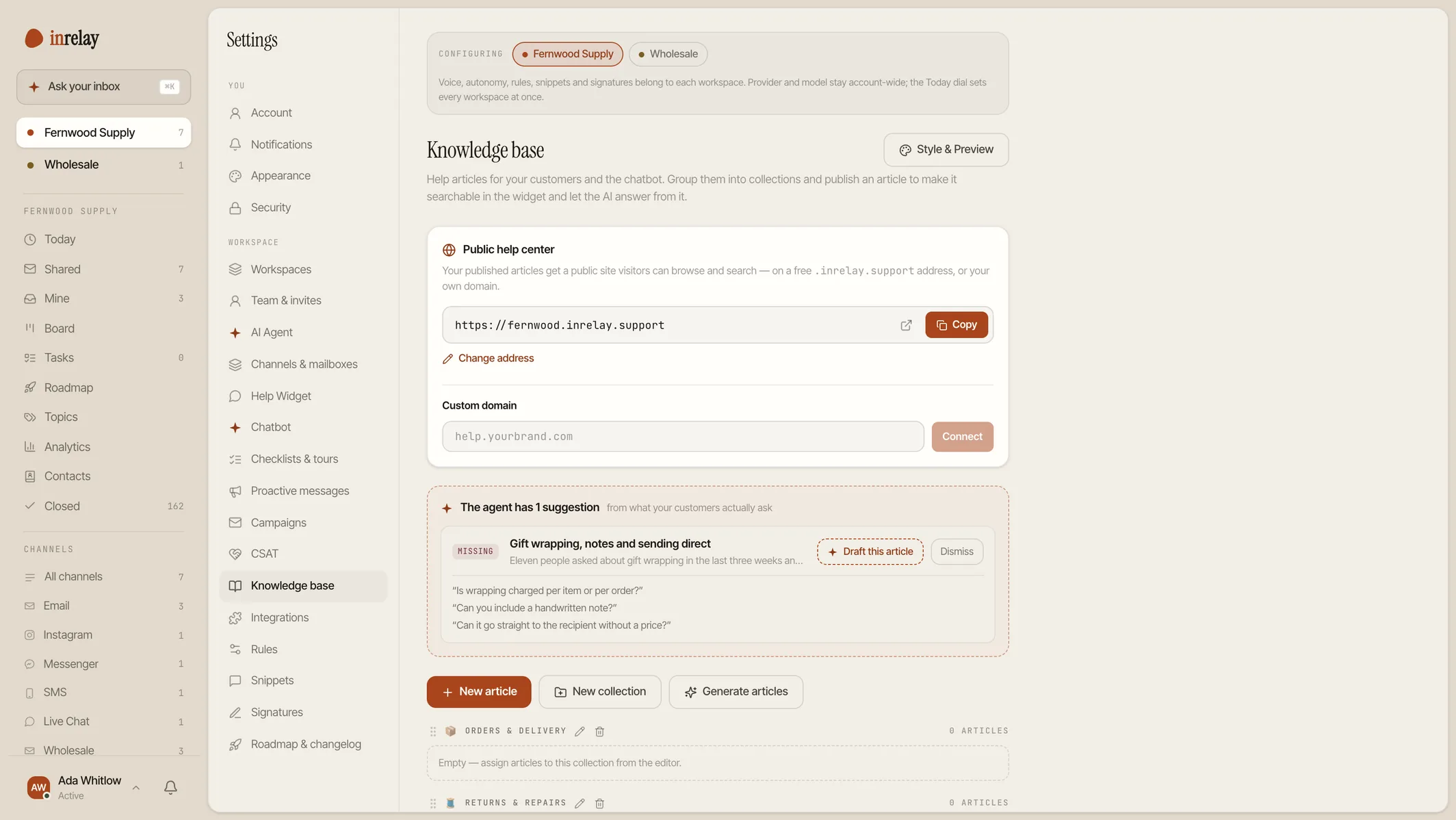
Give it your website. Get a help centre back as drafts — in your own voice, with your own policies, ready to read before anything is public.
An AI knowledge base generator turns content you already have into help-centre articles. inrelay reads your website — policies, FAQs, documentation — works out your brand voice from it, and writes the articles and collections as drafts. You review them; nothing publishes on its own.
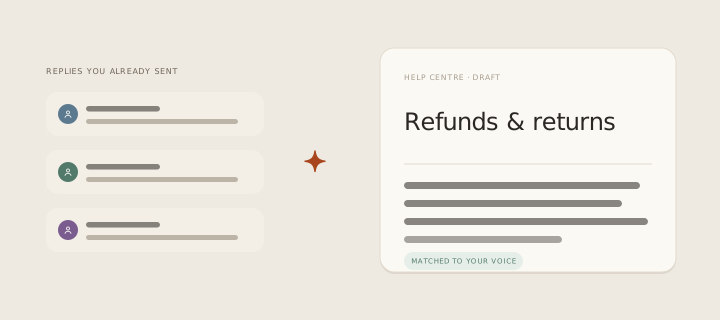
What it prevents is the empty help centre. Everybody agrees a knowledge base would deflect most of the repeat questions, and almost nobody writes one, because the first article is forty minutes and there are thirty of them. The blank page is the whole reason the project never starts.
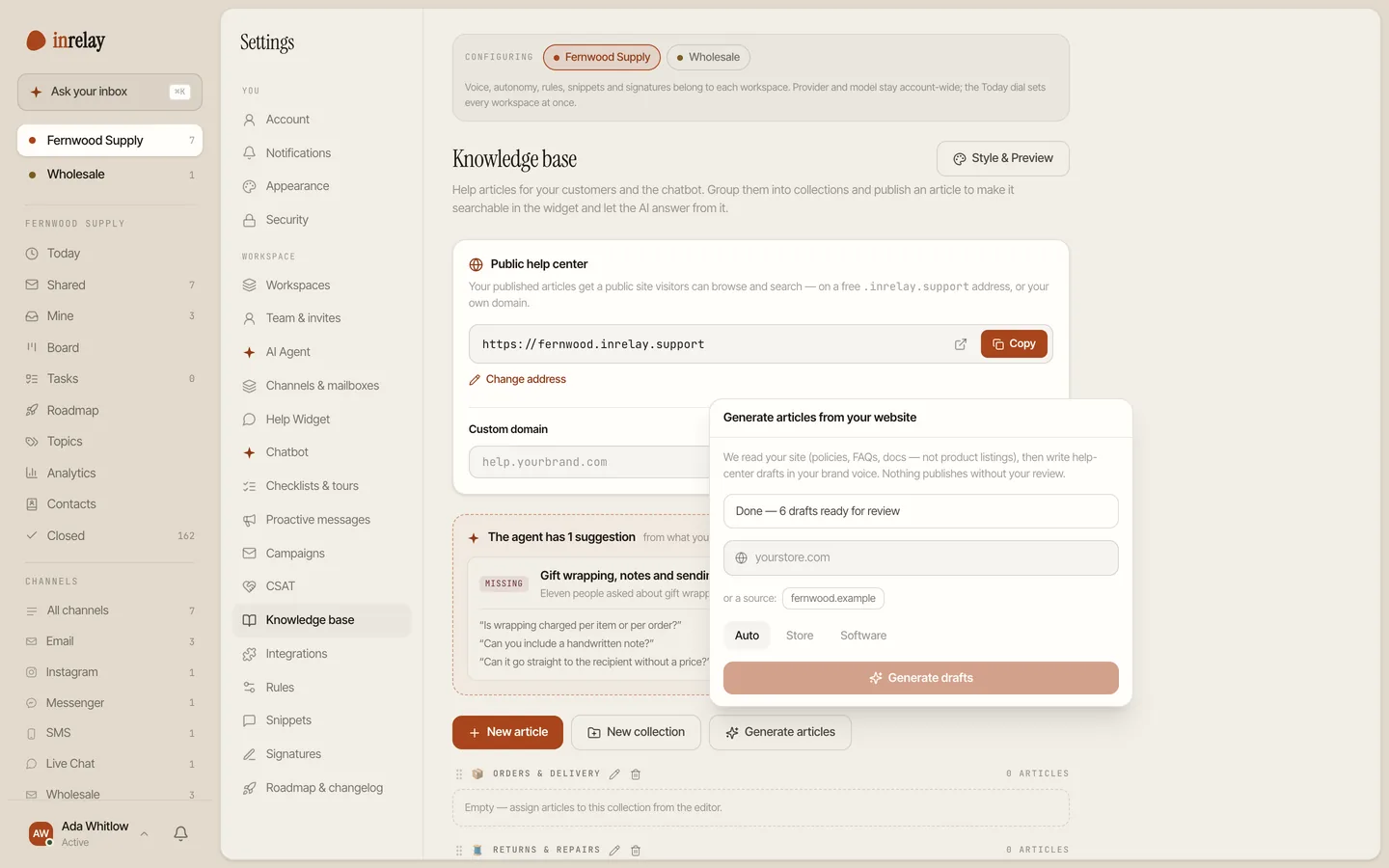
Open the knowledge base, hit Generate articles, and type the address of your store, your site or your docs. Everything after that is watching a progress line.


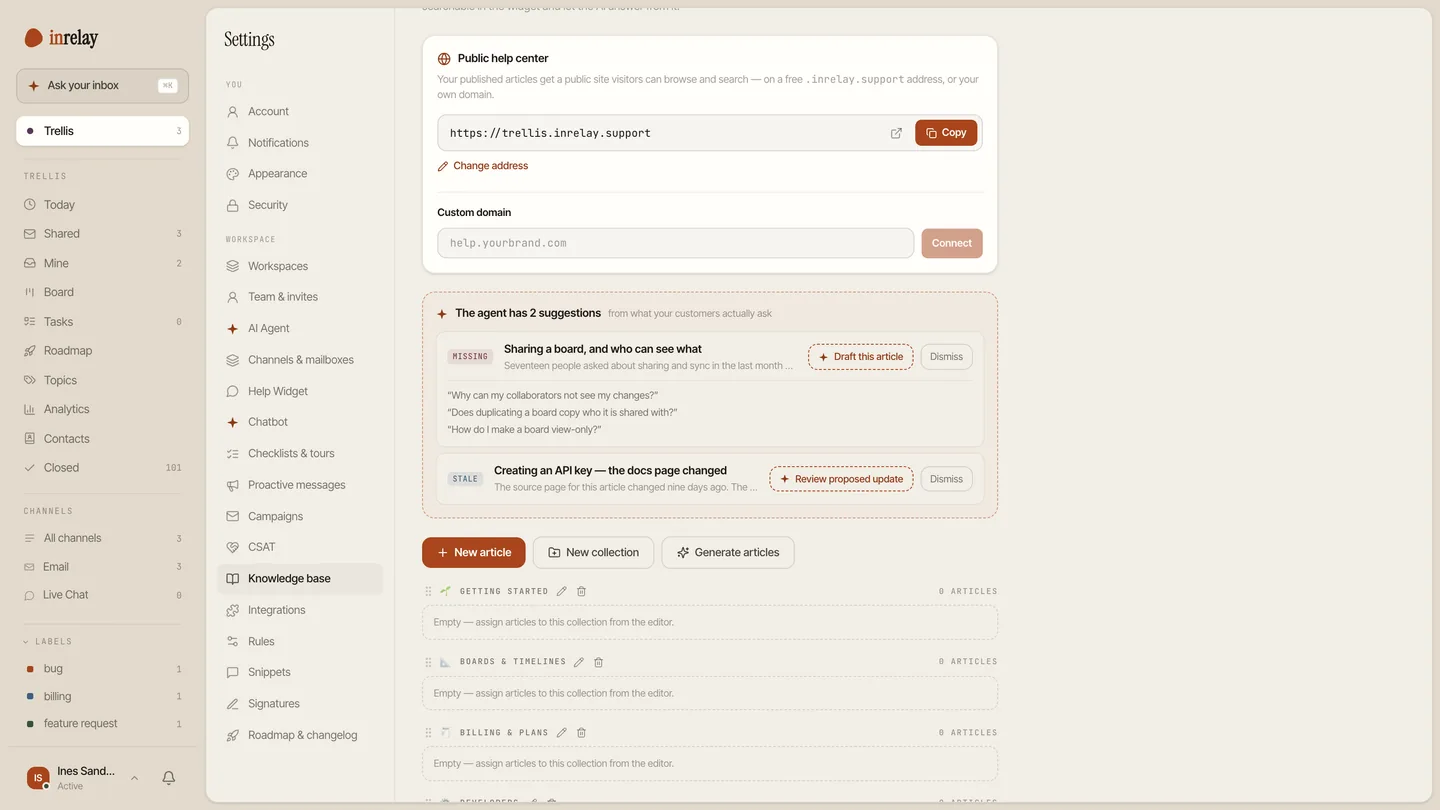
A generated help centre is a starting point, and the useful question a month later is which article you are still missing. inrelay answers it from the inbox: closed conversations are grouped into topics, and each topic is scored for whether your knowledge base actually covers it — covered, thin, or a flat gap.
A gap comes with the obvious next move attached. One action sends that topic’s real questions back through the same generator, in the same voice, and files the result as a draft in a review queue inside the knowledge base manager. The article you write next is the one your customers have been asking for, phrased the way they asked it.
It also notices when an article has gone out of date: the source page it was written from is re-read, drift is detected against what was there before, and a proposed rewrite arrives in the same queue for you to accept or ignore. See topic analytics for the reporting side of it.

Self-service is the cheapest support there is, and the reason small teams do not have it is never disagreement about the value. It is that a help centre is thirty pieces of writing standing between you and the benefit, and the benefit only arrives at the end.
Generation moves the work from writing to editing, which is a different activity with a different failure mode. Editing thirty drafts that already know your returns window and your shipping times takes an afternoon, and an afternoon is a thing a founder can actually find. The articles then do three jobs at once — they answer customers directly, they ground the chatbot, and they make every draft the agent writes agree with your published policy.
The tempting version of this feature publishes. It would demo beautifully: paste a URL, watch a finished help centre appear, share the link. We will not build it, and the reason is the same one behind every other decision here — the moment a machine can publish a policy under your name, you have stopped being able to promise your customers anything.
So the output is always drafts, the review queue is always a person, and the generator marks its own uncertainty instead of smoothing over it. It is the same shape as approve before send, applied to writing rather than replying: the machine does the typing, and a human decides what is true.
The practical version of that promise: your first run is free on every plan, including the free one, so you can see what it makes of your site before deciding whether any of this is for you.
It is in the desktop app, beside the inbox. No separate product to provision.
Your store, site or docs URL, and whether you are commerce or software. Then start the run and carry on with something else.
Fix the things only you know, delete what does not apply, and publish the ones that are right. Anything the generator was unsure of is marked for you.
From then on, gaps and stale articles arrive as suggestions rather than as a project. The help docs cover every step.
Generation is on every plan — one free run per workspace to start, then a monthly allowance on the paid plans. The knowledge base itself is included everywhere, in the widget or as a public help centre.
Generation is one piece of the inrelay feature family — these are its closest neighbours.
Collections, custom domains, SEO settings and search — the help centre the generator fills in.
See the knowledge base → AI CHATBOTEvery article you publish is another question the bot can answer instead of escalating.
See the chatbot → TOPICSTopic analytics score your coverage and turn the gaps into the next drafts.
See topic analytics →Free to start with your own inbox — every feature, no card, never per seat.
Give your customers faster answers and your team their evenings back.
Desktop and mobile. Free for solo.